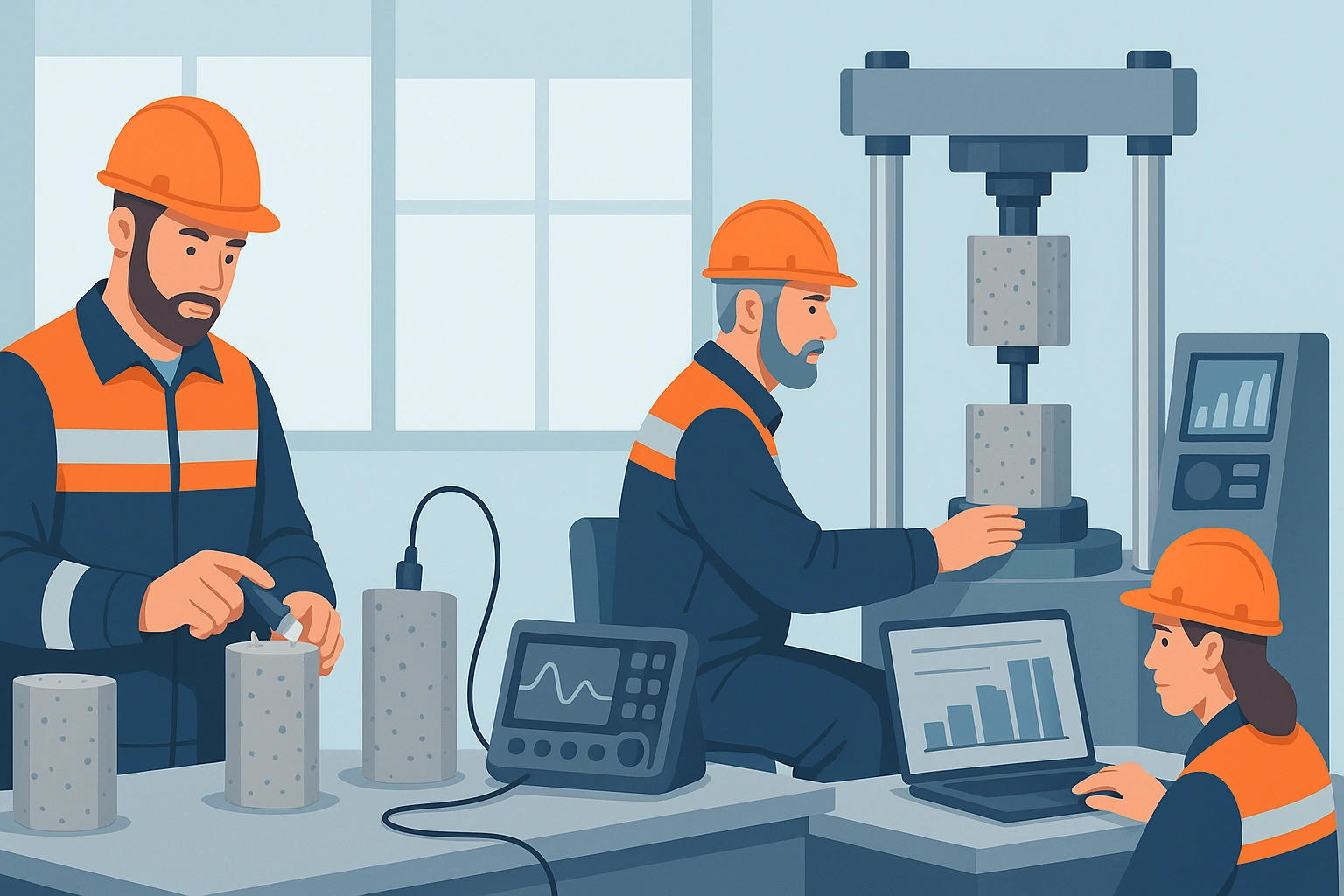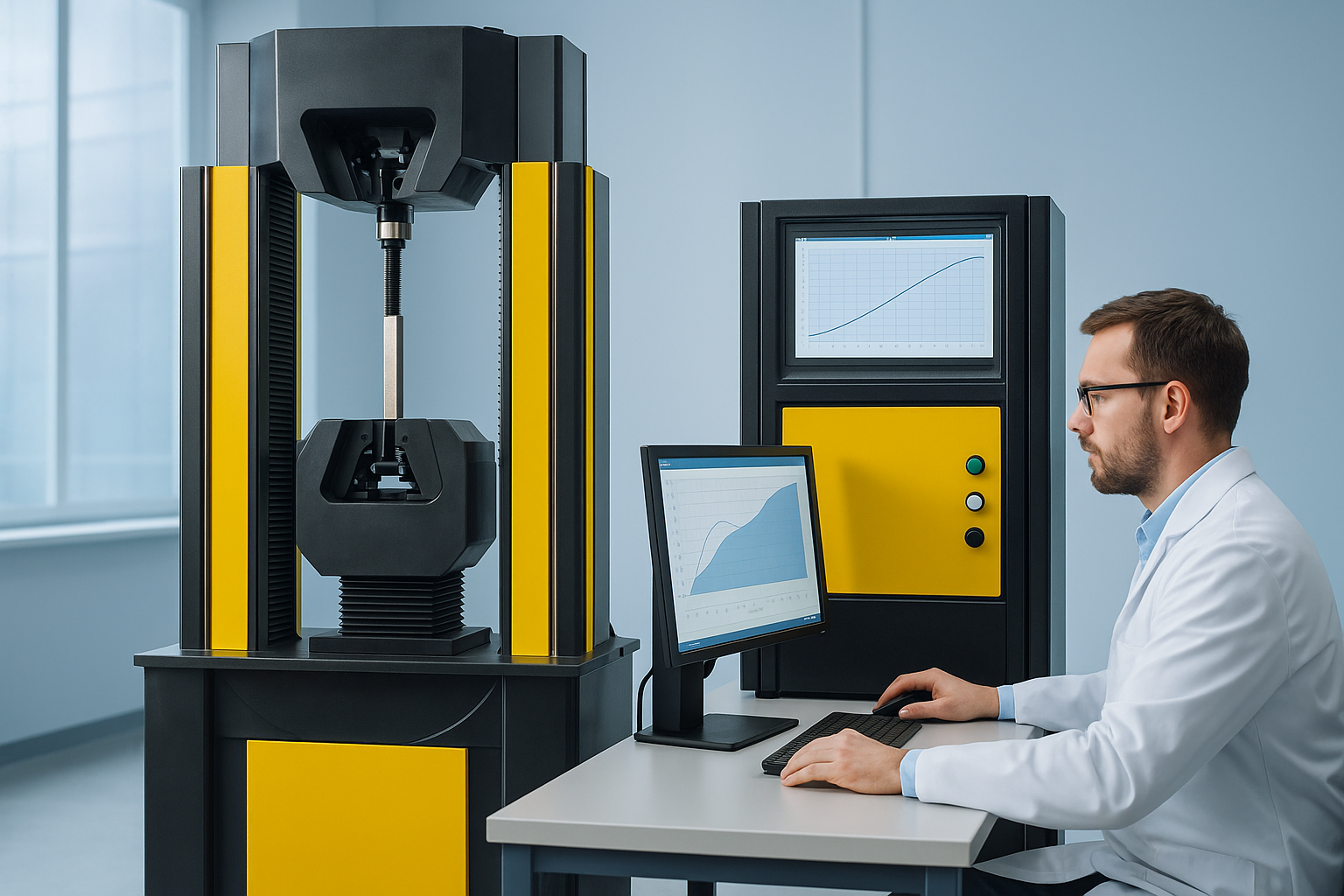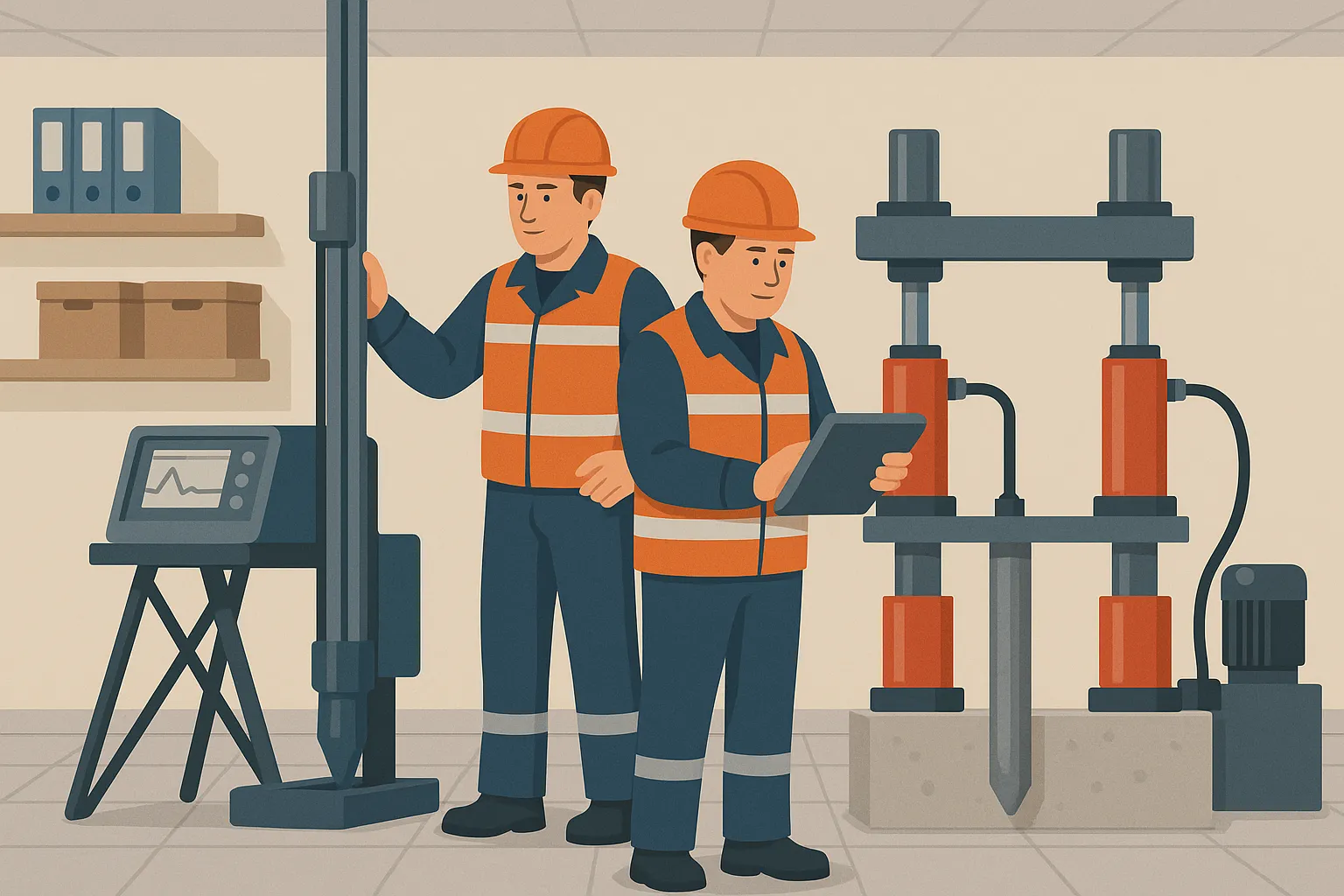
The construction industry is experiencing a period of active digitalization, affecting all areas - from design departments to field construction laboratories. SaaS services for construction (Software as a Service) are becoming a key tool for increasing the efficiency of testing laboratories, design organizations and contractors, providing digital transformation of laboratories in practice. Drawing on 15 years of experience in construction IT and laboratory control, I want to share an expert view of how cloud solutions are changing our industry, what problems they solve and what to look for when implementing them.
When choosing a SaaS solution for a construction laboratory, be sure to consider compliance with Russian standards and the ability to integrate with existing equipment. This is critical for successful implementation.
Main directions of digitalization of construction laboratories
Digitalization covers several areas, each of which eliminates typical problems of construction laboratories. At one of the NOSTROY committees in 2024, classic pain points were voiced: lengthy approval of test applications, manual data entry with inevitable errors, lack of transparency for customers, incomplete equipment utilization and difficulties in preparing reports. Let's see how SaaS services for the construction industry address these problems.
1. Automation of construction laboratory processes
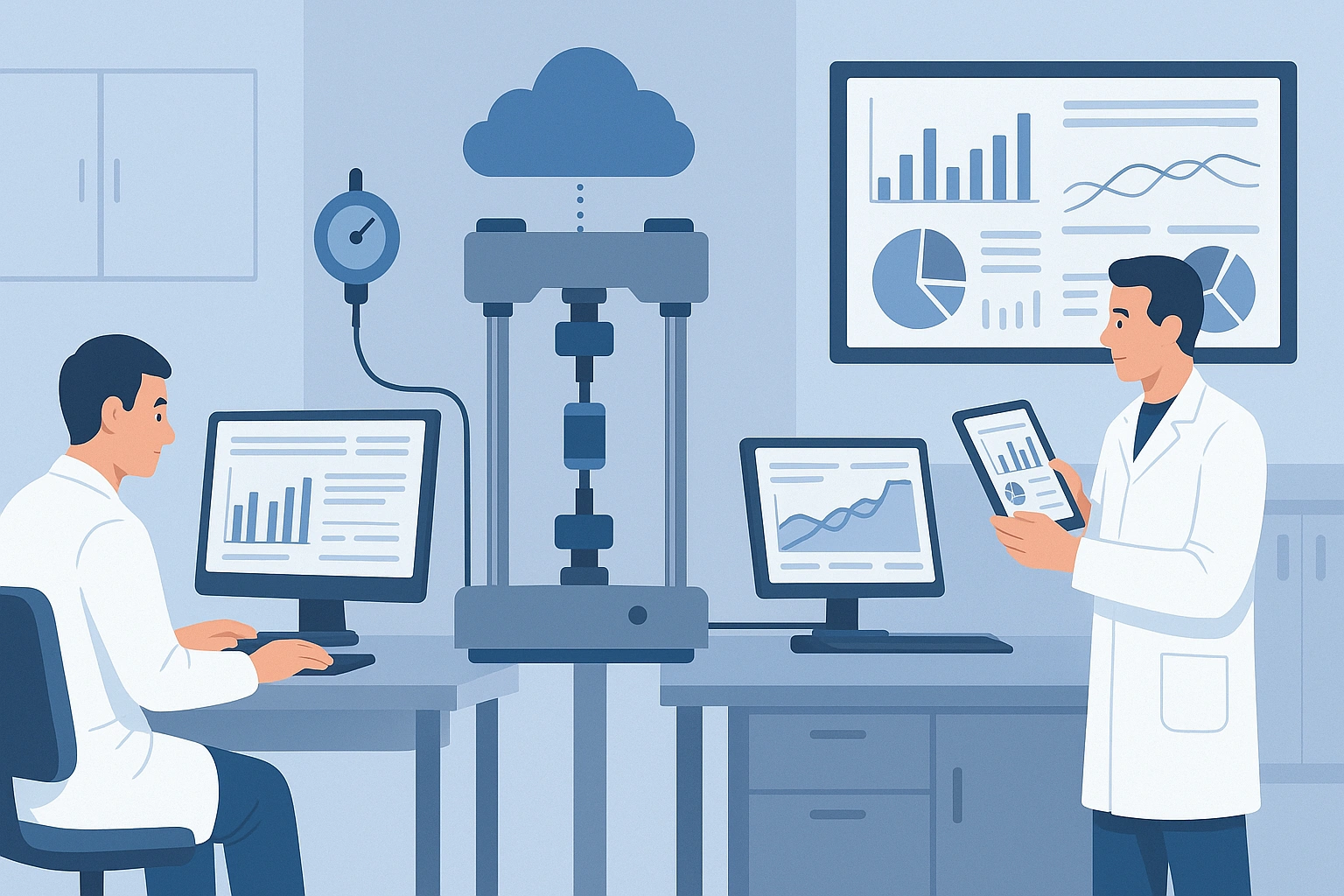
Automation of laboratory processes – the core of digital transformation. Instead of paper logs and Excel files, all work is done in a cloud-based system designed to meet industry standards. Key features of modern SaaS platforms for laboratories allow:
Automatic generation of test reports reduces registration time from 40-50 minutes to 5-10 minutes, which allows the laboratory to process 3-4 times more applications without increasing staff.
- Automatic generation of test reports: The system itself calculates the results and draws up protocols using templates that comply with GOST and ISO. This saves the engineer’s time and eliminates the human factor in calculations. As a result the time required to complete a protocol is reduced from tens of minutes to just a few minutes, and sometimes even seconds. In my experience, it used to take us 40-50 minutes to prepare one protocol, but in digital format it now takes about 5 minutes - the difference is enormous. Some solutions allow you to generate a finished document in literally 90 seconds!
- Integration with measuring equipment: Direct connection of devices to the system eliminates the need to manually enter readings. For example, tensile testing machines and pressing plants can transmit load and deformation data directly to the cloud system. We discussed the choice of such equipment in another article - "Tensing machine: how to choose tensile testing equipment". Integration of equipment allows you to eliminate errors when rewriting results and instantly record measurements in the database. In my practice, there was a case when an incorrectly rewritten strength value cost the entire batch of concrete to be retested - this simply does not happen with connected devices.
- Sample and application management: Incoming applications for materials testing are now registered electronically. The system assigns each sample a unique identifier (barcode or QR) for tracking. Laboratory assistants use a tablet or PC to mark the stages: receipt of the sample, testing, registration of results. Everything is transparent both for performers and for customers. The customer can even receive notifications or see the test status through their personal account - this is a new level of service for laboratories.
- Data quality control: A good SaaS service validates input data and results. For example, if the strength of concrete is suddenly an order of magnitude higher than expected, the system will warn of a possible error. The built-in calculation methods comply with regulatory documents, which guarantees the correctness of the result. Such systems will not allow issuing a protocol in violation of GOST, since logic control is built into the program code.
- Electronic signature of documents: All reports and protocols can be signed with an electronic signature, which gives them legal force and complies with the law. This is an important point: digital test reports are accepted by supervisory authorities if they are drawn up in accordance with the requirements (for example, according to GOST R 58973-2020 on the rules for drawing up protocols) and signed by the EPC. Now there is no need to store mountains of papers - an electronic archive with protection and backup is enough.
2. Construction project management via SaaS

Project management – another key area, especially for design organizations and contractors. SaaS project management systems in construction take care of planning, communications and deadline control. Their capabilities include:
The equipment utilization rate increases from 65-70% to 85-90% thanks to automatic planning and control of the load of laboratory installations.
- Planning and control of deadlines: Interactive Gantt charts, work schedules, automatic reminders. The project manager sees how things are going and can quickly identify delays behind schedule. For example, engineering survey or laboratory testing tasks can be easily linked to the overall construction plan, reducing delays. In practice, having a cloud-based schedule, in one of the projects we were able to speed up the cycle of approval of examination results by 15% - all because we received digital laboratory reports on time and immediately transferred them to the examination.
- Allocation of resources and personnel: The system takes into account the employment of specialists, availability of equipment and financing. You can plan in advance the workload of laboratory units and on-site crews. For example, if laboratory information system sees that a certain universal testing machine (burst or press) has already been booked for testing, new tasks are queued or redirected. This increases equipment utilization to 85–90% versus typical 65–70% previously, which means less equipment sitting idle in the corner, more value from the investment.
- Project budget tracking: SaaS financial modules allow you to associate completed laboratory work and other steps with their cost. Management sees budget expenditure, savings or overspending in real time. For example, if a testing laboratory performs concrete strength tests, the system immediately takes into account their cost under the contract and reflects it in the construction budget. This simplifies financial control and allows the project to stay on budget.
- Communication and collaboration: Cloud platforms provide a single information space for all participants. Designers, laboratory, general contractor, technical supervision - everyone works with up-to-date data. Comments, files, test results - nothing is lost in the mail, everything is tied to the project. In one of the nossas teams, we implemented such a portal: requests to the laboratory for additional tests came directly from the cloud system, bypassing long letters. This reduced the laboratory's response time to PTO requests from days to hours.
- KPI monitoring: Managers can set up key indicators (schedule completion, percentage of rework, number of identified inconsistencies, etc.) and receive reports automatically. If any metrics drop, SaaS will report this. This helps proactively manage quality and efficiency - for example, seeing that a laboratory has completed 100% of its planned tests in a month, but at the same time the number of failed samples is growing, which signals a problem with the materials or methodology.
3. Electronic document management and reporting in construction

Document flow and reporting - a painful issue in construction. Tons of acts, protocols, reports... Digitalization solves this problem too:
The speed of searching for the desired document increases from 15-30 minutes to 1-2 minutes thanks to centralized storage and intelligent search in the cloud system.
- Centralized document storage: The cloud system acts as a single archive. Test reports, expert opinions, certificates - everything is stored in a structured form, linked to objects and projects. When you need to retrieve documents on an object, this is done by searching in seconds, rather than digging through folders. According to statistics, the speed of searching for the required document increases from 15–30 minutes to 1–2 minutes, which I myself confirm from experience: previously, searching for an old protocol on a shelf took half an hour, now it takes instantly by number or date in the system.
- Automatic report generation: Monthly and quarterly laboratory reports and management reports are generated automatically based on the entered data. In a couple of clicks, the laboratory manager can receive, for example, a report on the number of samples tested per month by type of test, with diagrams and comparison with the previous period. What was previously done manually in Excel at the end of each month is now generated by the system without errors and routine work.
- Integration with state registers and FSIS: A big help is the automatic submission of data to regulatory systems. In Russia there is a Federal State Information System “FGIS CS” (in the field of construction) and a unified register of the Russian Accreditation Service. Modern laboratory information systems are able to directly send test results and copies of protocols there. For example, LIMS ULAB from NIISTROM allows you to upload a protocol to the FSIS of the Russian Accreditation Service “in two clicks.” This ensures compliance and saves a lot of time by eliminating duplicate work.
- Compliance with regulatory requirements: Electronic document flow is built in such a way as to meet the requirements of SP and GOST. For example, SP 47.13330.2016 regulates the maintenance of documentation of engineering surveys - the SaaS system will help structure logs of field soil tests in accordance with this SP. Standards like GOST R 58973-2020 establish the rules for drawing up a test report - the templates in the system are already configured to these rules, just fill out the results. Thus, the laboratory automatically complies with quality and accreditation standards (including ISO/IEC 17025:2019).
- Archiving and quick search: All documents are protected from loss (there is a backup) and are equipped with a convenient search by key fields. Forget about dusty archives - searching by date, object or title of material in a digital archive takes seconds. Moreover, during an audit or inspection, you can easily provide the inspector with access to the required set of electronic documents without distracting staff with photocopies.
Comparative analysis of SaaS solutions for construction organizations

The market offers different approaches to digitalization: specialized industry platforms, universal solutions and custom developments. Each approach has its pros and cons:
For most construction laboratories, the optimal choice is a specialized SaaS with ready-made modules for industry requirements and integration with equipment.
| Criterion | Custom SaaS (for laboratories, construction sites) | Universal SaaS (general purpose) | Own development (custom software) |
|---|---|---|---|
| Start-up costs | Medium – subscription fee + onboarding services, usually pays off due to time savings | Low – most often low-cost subscription, minimal implementation services | High – payment for development, infrastructure, staff of programmers |
| Adaptation to the industry | High – GOSTs and industry processes are taken into account (for example, there is a module specifically for test reports of building materials) | Medium – you need to customize universal fields to suit your specific needs, compromises are possible | Maximum – you can set any features, because written to order |
| Technical support | Specialized - consultants understand the specifics of construction laboratories and can help with techniques | General – support knows the product as a whole, but may not understand the nuances of GOSTs or accreditation | Own - everything falls on your IT team, you need to provide support and fix bugs yourself |
| Hardware integration | Ready-made solutions - support for popular devices and interfaces, usually out of the box (for example, there is a communication module with a concrete press) | Requires configuration - you may have to connect the devices yourself via API or additional ones. BY | To order - you can implement integration with any equipment, but the time and cost are much higher |
As you can see, for the majority construction laboratories and technical training centers A specialized SaaS looks optimal: relatively quick implementation and taking into account industry requirements. Such a solution is, for example, the domestic Mattest Cloud platform, developed specifically for the needs of construction laboratories. It is unique on the scale of the Russian Federation and the CIS - in fact, there are no direct competitors in our market, only general systems or foreign analogues. Such a specialized service gives the laboratory maximum ready-made capabilities at reasonable costs. Universal systems (like general ERP or project managers) can also be effective, but you will have to put up with limitations or customize them to your liking. In-house development is justified only for very large organizations or networks of laboratories where there are resources and time to create a solution from scratch.
Functional modules of modern SaaS platforms
Architecture laboratory SaaS systems usually modular. This allows you to flexibly include the necessary functionality and scale the solution. Let's look at the main modules using the example of a typical digital laboratory platform:
Laboratory Management Module (LIMS)
This is the core of the system, in fact a complete LIMS (Laboratory Information Management System), adapted to construction specifics. Main features of the module:
- Test planning: Calendar of laboratory work, test schedules for objects. The manager sees the workload for the week ahead: how many concrete samples are to be tested, when the cement press will be free, which engineers are on vacation. The planner helps to distribute the load evenly and not to forget about control tests (for example, 28-day strength of concrete).
- Sample management: Each received sample is assigned unique number or barcode, the sample is registered indicating the type of material, place of sampling, date. Then the system tracks its path: storage, testing, disposal. You can find at any time where the sample is located (in a storage cell, in a normal hardening chamber, on a testing machine, etc.). Eliminates confusion, especially when there are hundreds of samples in the laboratory at the same time.
- Equipment control: Maintaining a log of instrument calibrations and maintenance. The system will remind you that next week the hardness tester’s verification period will expire or the press needs annual certification. Equipment downtime due to overdue calibration is unacceptable - SaaS takes control of these deadlines. Breakdowns, repairs, and linking test results to a specific device (for traceability) are also recorded.
- Formation of protocols: This is our “magic button”. Upon completion of the tests, the system collects all data and generates a protocol according to a given template. Templates are pre-configured for GOST R 58973-2020 and industry design standards, including mandatory details (laboratory accreditation number, test temperature, link to methodology, etc.). The engineer only checks and approves, after which the document is certified with an electronic signature. As a result errors in calculations or design are practically reduced to zero, and labor productivity increases noticeably. It is estimated that logging automation reduces errors by 85–90% compared to manual control.
Construction Project Management Module (PMS)
This module is more focused on design organizations and construction companies, although closely related to the laboratory during complex implementation:
- Test request management: The design department or builder can submit a request to the laboratory through the system: what material to test, what properties, terms. The module accepts these requests, automatically forwards them to the laboratory module and tracks the completion status. This is very convenient for VET and construction control: no calls or emails, everything is online. This approach is already being implemented, for example, through the “Laboratory Cluster” NOSTROY - a single platform where customers place applications, and the system itself distributes them among available laboratories on the principle of Uber or Yandex.Taxi. The future lies with such ecosystems.
- Project resource planning: Across the entire project, the module helps you plan which resources are needed and when. How many laboratory tests should be included in the schedule, when will a geological laboratory visit be required, will there be enough budget funds. All this is integrated with the overall construction plan. For example, if soil tests are scheduled for August, the system will warn you at the planning stage that you need to allow time for their completion and check the availability of a certified laboratory.
- Quality control and approval: The PM module includes processes for checking and approving results. The test report loaded by the laboratory module can be automatically sent for verification to a technical supervision engineer or to the quality department. Coordination takes place within the e-visa system. This eliminates situations where a document is lost in the mail or someone forgot to sign it - all steps are transparent, and the system will remind you if someone is late in approving.
- Financial accounting of work: Laboratory work is often performed on a paid basis or on an internal basis. The module allows you to immediately create invoices and work completion certificates linked to tests. For example, after completing a series of asphalt concrete tests, the system will generate a report for this batch of work detailing how many samples were tested and at what price. The accounting department or estimate department can see this immediately. Integration with 1C is indispensable here: modern SaaS have APIs or built-in mechanisms for exchanging data with accounting systems, which eliminates double entry of information.
Integration and IoT module
A special module responsible for connection of external systems and equipment, often determines the success of laboratory digitalization. Its capabilities:
- Integration with laboratory equipment: Through this module, the SaaS system “communicates” with the laboratory’s instrument park. Various supported interfaces and protocols data transfer: serial ports (RS-232/RS-485) for older devices, Ethernet and USB for modern ones, wireless connections via Wi-Fi or Bluetooth. This allows you to cover almost any measuring instrument. For example, ultrasonic flaw detectors, sclerometers, concrete testing presses, laboratory scales, moisture meters, pH meters – everything can be integrated. In practice, we connected even relatively old presses to the system via an RS-232-USB converter - and they began to automatically send load and deformation results directly to the computer.
- Internet of Things (IoT) in the laboratory: The concept of IoLT – Internet of Laboratory Things – appears. Each device (sample storage chamber, climate chamber, room temperature sensor) can transmit data. For example, a temperature and humidity sensor can log testing conditions for concrete cubes around the clock, and this data is then automatically included in the protocol (i.e. we know for sure that the samples were stored at 20±2°C). IoT devices reduce the role of the human factor and allow you to monitor equipment remotely.
- Integration with government agencies and external IS: We have already mentioned integration with the Federal State Information System of the Russian Accreditation Service for automatic transfer of protocols. In addition to it, there may be connections to other services. For example, communication with FSIS CS (federal pricing system) – to transfer test results to the general information pricing model. Or integration with Rosreestrom – regarding the transmission of engineering survey data. Integration with the examination portal is in demand in design organizations: results signed with an electronic digital signature can be immediately sent to the expert, bypassing paper document flow.
- Integration with corporate systems: Large construction companies will appreciate the ability to connect a SaaS laboratory with existing ERP and CRM. For example, a connection with 1C: Document Management, SAP or Bitrix24. A good example: the domestic LIMS ULAB already has ready-made connectors to 1C and Bitrix24. This means that the laboratory does not live in isolation - test results can immediately go into, for example, a CRM system, where the laboratory client will see them in their personal account, and the manager will quickly issue an invoice.
Examples of equipment integration: modern SaaS solutions support the connection of both electromechanical and hydraulic testing machines. For example, electromechanical [testing machine for rubber, geotextiles and polymer materials](https://mattest.store/products/0e07205d-a0d6-40f8-802c-b958c6f10412?lang=RU) can directly send tensile and strength data to the system without operator intervention. A [machine for testing metal products and other materials, including concrete and plastics](https://mattest.store/products/9fb6b39b-9bb6-4791-a1a5-22678aea12cd?lang=RU), equipped with a digital controller, is integrated through the IoT module and immediately records the fracture force of a reinforcement sample or concrete cylinder in the electronic database. This ensures full traceability: from pressing the “Start” button on the press machine to generating a report, all data flows along a digital loop, eliminating manual labor.
Technological features of SaaS solutions
Development SaaS platforms for construction laboratory - not an easy engineering problem. It should take into account both IT aspects (load, security) and industry nuances. I’ll tell you about the key technological points that we, as solution architects, pay attention to.
Microservice cloud SaaS architecture
Modern SaaS is built on the principles of microservices and cloud technologies:
- Microservices: The system is divided into independent services, each responsible for its own functionality - sample management, report generation, integration with equipment, user authorization, etc. This gives flexibility and fault tolerance. If, say, the hardware integration module fails, the others (data entry, viewing reports) will continue to work. Updates can be released point-by-point for each service without stopping the entire system.
- Horizontal scaling: Cloud infrastructure allows you to add capacity to the load. At the height of the construction season, when the volume of testing increases, the system automatically uses more servers to process requests. At night, resources are reduced, saving money. The user does not notice this - he always gets stable work. For example, Mattest Cloud is located in Russian data centers with the ability to dynamically scale: if another 20 laboratories connect tomorrow, performance will not suffer.
- Geo-distributed data centers: For reliability and minimizing delays, several data centers are used in different regions. Laboratories in Siberia and the Far East do not need to knock on a European data center - their data can be served by a nearby node. In this case, the data is duplicated: even if one center fails, the system will continue to work from the other without loss of information.
- Automatic backup: Cloud services implement backup scheduling. All laboratory data (protocols, requests, journals) are copied to the storage reserve daily or more often. This ensures protection against loss of information due to force majeure. A couple of years ago, my colleagues’ local server storage failed and they lost a month of test data. With the transition to the cloud, we all sleep better, knowing that backup is always at hand.
- Regular updates without downtime: SaaS platforms are updated centrally. Developers release new versions (for example, updating to new standards or improving the interface), and they immediately become available to all users. There is no need for each client to install anything additional - a planned short technical window is enough. This scheme allows you to quickly respond to changes in regulations or introduce new functions. For example, with the release of GOST R ISO 8000-100-2019 on data quality, many LIMS have been updated to meet new requirements.
Data security and compliance with 152-FZ
Information security – the cornerstone of trust in cloud solutions, especially when it comes to trade secrets, personal data and government projects:
- Data encryption: All transmitted data is encrypted (TLS protocols), and in the storage, important information (for example, personal data of employees or test results that represent a trade secret) is stored in encrypted form. Strong algorithms such as AES-256 are used. This means that by intercepting traffic or stealing a database, an attacker will not be able to read information without encryption keys.
- Two-factor authentication (2FA): Additional confirmations are used to access the system. Even if the user's password is compromised, the attacker will not log in without a one-time code. In laboratory practice, 2FA is especially relevant for remote access - for example, when the laboratory manager logs into the system from home to check reports, the login is protected by an SMS code or token.
- Roles and access control: The SaaS platform has clearly defined user rights. The laboratory assistant sees only his tasks and enters the results, but cannot, for example, delete the protocol. The manager signs the documents, but cannot change the system settings. The customer only sees through his personal account their protocols and will not affect other people's data in any way. This guarantees the safety and correctness of the data. All actions (creation, modification, deletion) are logged - who did what, when and what, which, if necessary, allows for a security audit.
- Compliance with 152-FZ and other laws: In Russia, personal data is strictly protected by Law No. 152-FZ. The laboratory system may contain employee data, customer contacts - all this must be processed according to the law. Therefore, the SaaS provider usually undergoes compliance assessment procedures (for example, checks required by FSTEC or FSB) to ensure data protection. In addition, the systems comply with the requirements for electronic document management: for example, the federal law “On Electronic Signature” - they support a qualified signature, which is important when submitting documents to government agencies.
- Protection against DDoS and cyber attacks: The cloud platform, especially if it becomes critical to the laboratory's activities, must resist external attacks. Specialized tools are used (web application firewalls, anti-DDoS gateways) that filter out malicious traffic. In reality, there were cases when competitors tried to “put down” the customer’s services, but cloud protection withstood the blow. This is critical for a laboratory - a downtime system can mean downtime construction, which is unacceptable.
Compliance with standards and accreditation
I will separately emphasize the topic compliance. Any testing laboratory, especially in construction, is usually accredited by RosAccreditation (a legal requirement for issuing official reports). Accreditation implies compliance with the ISO/IEC 17025 standard (in Russia GOST ISO/IEC 17025-2019). The digital system should help support this compliance, not hinder it:
- ISO/IEC 17025:2019 – international standard for the competence of testing laboratories. It requires document management, sample traceability, quality assurance of results, test data storage, etc. A good LIMS actually implements many of the provisions of ISO 17025. For example, full traceability - from sample receipt to result output, with all intermediate data stored. A comparative analysis of approaches shows that the digital system makes it easier to comply with these standard requirements. During the last supervisory visit of Rosaccreditation to our laboratory, inspectors were pleasantly surprised: all records are in an electronic journal, it is easy to show any protocol, no confusion with versions of methods - the system itself monitors the relevance of guidelines and standards.
- GOST standards for test methods: The system must contain an up-to-date database of standard methods (GOST, EN, ASTM, SNIP, etc.) and update them when changes occur. For example, if a new GOST for cement testing is released, the system updates the template and calculation algorithm using this method. This is not just a convenience, but an accreditation requirement - the laboratory is required to use the latest versions of the standards. Previously, it was necessary to manually monitor changes in GOST, but now the LIMS provider releases an update, and all applicant laboratories instantly receive a new version of the method in the system.
- Electronic archive that meets the standards: According to Russian rules, the testing laboratory must store test reports for a certain period of time (for example, at least 5 years). The electronic archiving system must guarantee the integrity of documents during this period. For this purpose they use electronic archives with checksums, time stamps, so that the document cannot be secretly falsified retroactively. This is especially important if controversial situations or investigations arise - a digital protocol with a time stamp, signature and hash amount is evidence no less powerful than a paper one with a blue stamp.
- Compliance with industry regulations: Construction has its own initiatives. We have already mentioned that NOSTROY is developing a “Laboratory Control” standard and creating a register of laboratories. It may soon be necessary for a laboratory system to be able to transfer data to this registry or map unique digital marking on the results of testing materials. Using SaaS from a domestic developer gives confidence that such requirements will be taken into account and implemented in a timely manner, unlike foreign products that are not tailored to Russian realities.
Economic benefits of implementing SaaS platforms

Digital transformation is definitely an investment. But economic effect The benefits of implementing a SaaS system in the laboratory and project office can be felt very quickly. Let's look at direct savings and efficiency gains using examples.
Formulas for calculating the economic efficiency of SaaS
Saving time on preparing protocols: T_saving = T_manual - T_automatic = 45 - 10 = 35 minutes
Increased labor productivity: P_growth = (P_after - P_before) / P_before × 100% = (150 - 100) / 100 × 100% = 50%
Reducing the number of errors: E_decrease = (E_before - E_after) / E_before × 100% = (8 - 1) / 8 × 100% = 87.5%
Equipment utilization rate: K_use = T_working / T_total × 100% = 85 / 100 × 100% = 85%
Where:
- T_saving - saving time per protocol
- P_growth - percentage of productivity growth
- E_reduction - error reduction percentage
- K_utilization - equipment utilization rate
The economic effect of implementing a SaaS system usually pays off the investment within 6-12 months due to increased productivity and reduced operating costs.
Reduce costs and expenses
Direct financial benefits come in several ways:
Cost Savings Chart for SaaS Implementation
| Cost item | Before implementation | After implementation | Saving |
|---|---|---|---|
| Errors in documents | 5-8% | 0,5-1% | 85-90% |
| Search documents | 15-30 min | 1-2 min | 90-95% |
| Equipment loading | 65-70% | 85-90% | +25-30% |
| Labor productivity | 100% | 130-150% | +30-50% |
- Saving working time: Automation of routine (documents, calculations) frees up employee hours that they can spend on productive work. According to our estimates, time to complete one protocol is reduced by ~70% – from 45–60 minutes to 10–15 minutes. If a laboratory produces hundreds of protocols per month, the total savings are tens of man-hours, which means there is actually less need for additional personnel. Employees can work on multiple tasks in parallel while the system processes data.
- Reducing errors and defects: Every error in a protocol or calculation is a risk of rework, loss of reputation, or even direct losses (incorrectly rejected suitable material or omitted defective one). Implementation of the system reduces number of errors in calculations and documents by 85–90%. Fewer errors mean less costs for correcting them, fewer conflicts with clients, and fewer reworks at the construction site. This also includes the exception human factor when entering data: numbers will not be mixed up, units of measurement will not be forgotten.
- IT infrastructure optimization: The transition to SaaS means that there is no need to maintain your own server park, license expensive DBMS, or reserve capacity “for growth.” You pay as you go (subscription) and can scale without capital investment. Savings on your own IT infrastructure and maintenance can reach 40–50%. This is especially true for a small laboratory - they do not need to hire a system administrator, worry about backups, protection - everything is handled by the SaaS provider.
- Reducing staff training costs: A well-made SaaS interface is intuitive, plus the provider usually trains the team at launch. A new employee gets up to speed faster thanks to a system with tips and built-in regulations. Less time is spent on learning how to prepare documents or make calculations, because the system guides the user step by step. Estimated savings on staff training can be up to 30–40% – less interruption from work, less chance of mistakes for a beginner, because he is guided by the program.
- Lower paper and storage costs: Although this seems like a small thing, the transition to paperless technologies significantly reduces costs. Less paper, printers, cartridges, cabinets for storing archives, renting space for archives. And most importantly, there are no fines from supervisory authorities for ill-considered storage or loss of documents, which can also have financial consequences.
Increased efficiency and productivity
In addition to reducing direct costs, SaaS platforms increase process efficiency, which indirectly also turns into money. Here are the key indicators that improve after implementation (based on average data and our experience):
Formulas for calculating ROI and payback
Return on investment (ROI): ROI = (Annual Savings - Annual SaaS Cost) / Annual SaaS Cost × 100%
Payback period in months: T_payback = Implementation cost / Monthly savings = 500,000 / 50,000 = 10 months
Overall economic efficiency: E_total = (E_time + E_errors + E_equipment) / SaaS costs × 100%
Where:
- ROI - return on investment
- T_payback - payback period in months
- E_total - overall economic efficiency
| Indicator | Before implementation | After implementation | Improvement |
|---|---|---|---|
| Number of errors in documents | 5–8% (protocols with errors) | 0,5–1% | ~90% reduction |
| Speed of searching for the required document | 15–30 min | 1–2 min | 90–95% faster |
| Equipment load (utilization factor) | ~65–70% | ~85–90% | +25–30% (best use) |
| Laboratory labor productivity (samples per engineer per month) | 100% (basic) | ~130–150% (increase) | +30–50% |
| Response time to customer request | 1–2 days (manual data collection) | several hours (online access) | Much faster |
(Note: the numbers are averaged, the actual effect depends on the initial level of the processes. However, the trend is obvious - efficiency increases by double-digit percentages.)
These improvements are confirmed by real cases. For example, laboratories that have implemented the domestic ULAB system note halving the operational workload on staff and increasing labor productivity, which led to an increase in the profit of the enterprise. Automation of the transfer of protocols to Rosakkreditatsiya accelerated this process by 3 times. And load control gave management a tool to understand how resources are used and to increase the return on equipment.
In my practice, there was a case when, after implementing SaaS, it turned out that one of the presses was almost idle at night. We organized shift work for long-term tests (for example, concrete creep) and thereby achieved almost full 24/7 use - something we had not even thought about before without data from the system.
In addition, it increases quality of customer service. Customers are happy that they can get results faster and with easy-to-understand electronic access. This indirectly brings new clients through word of mouth and improves the laboratory’s image on the market. In a competitive environment (and there are a lot of construction laboratories now, some honest and some not so honest), this reputational benefit also costs money.
Requirements for successful implementation of a SaaS solution
When deciding to digitalize, it is important to evaluate organization readiness to change. Here both technology and people are critical. It happens that an excellent software solution does not “work” in a team due to sabotage or fear of the new. Therefore, at the planning stage you need to take into account a number of requirements.
Successful SaaS implementation is 70% dependent on organizational readiness and only 30% on technical factors. Management support and staff training are critical.
Technical readiness of infrastructure
Without the proper infrastructure, even the best cloud system will not reach its potential. Check the following points:
- Stable Internet connection: SaaS means working in the cloud, which means dependence on the Internet. For a laboratory in the city, it is usually not a problem to provide a channel of 50–100 Mbit/s. But if the laboratory is on a field trip or in a remote quarry, a backup channel is needed (for example, mobile 4G). It is advisable to have two independent connections (primary and backup) so that a provider failure does not stop work. Practical advice: buy an inexpensive LTE router with a SIM card from another operator and keep it ready.
- Modern workstations and mobile devices: Employees will need computers or tablets to use the system. SaaS requirements are usually modest (browser and Internet), but too old PCs can slow down. Invest in 2-3 additional laptops or tablets for working directly in the laboratory room - so that laboratory assistants can enter data without leaving the instruments. For example, we have a tablet with a protected case lying directly on a concrete press: the engineer immediately after destroying the sample enters data into the system, without the risk of losing the piece of paper.
- Local network and Wi-Fi: If you plan to connect equipment, make sure you have a good local network in the laboratory. Extend cables to your main machines or install reliable Wi-Fi. Many devices now have Wi-Fi modules, which simplifies integration, but the signal must be stable. It should also be provided network segmentation: for example, place devices and IoT sensors in a separate VLAN for security, and office PCs in another.
- Backup power: Not obvious, but important point. If the power suddenly goes out, the SaaS server will not be affected (it is in the cloud with backup), but your computers and routers will shut down. For key nodes (router, switch, 1-2 workstations) install a UPS. This will protect against short-term interruptions and power surges. There have been cases where a sudden power outage during testing has resulted in data loss - the UPS solves this problem by allowing a few minutes for saving and shutting down correctly.
- Safety Compliance: If your organization is large, with an information security department, they should review and approve the SaaS. Find out in advance from the provider what protocols are used, where the data is stored (it is important in the Russian Federation, if this is a requirement), what security certificates are available. Technically, this is not “infrastructure readiness”, but part of the overall preparation - so that later the security department does not block employee access, considering the cloud service to be unauthorized.
Organizational readiness and change management
Technology is only half the success, the second half is people and processes. Organizational factors often decide whether a project will take off or not:
Table of factors for successful SaaS implementation
| Factor | Impact on success | Recommendations |
|---|---|---|
| Staff training | 25% | Conduct trainings and create internal experts |
| Employee motivation | 20% | Review KPIs and show personal benefits |
| Process quality | 15% | Optimize processes before automation |
Formula for readiness for change
Organization readiness index: G_readiness = 0.4 × S_leadership + 0.25 × O_training + 0.2 × M_motivation + 0.15 × P_processes
where G_readiness must be ≥ 0.7 for successful implementation.
- Management support: The digitalization project must be approved at the very top - the director, chief engineer, owner of the company. And not formally, but with real involvement. It is advisable to appoint a curator from the management who will "sponsor" of changes. Then there is less sabotage for the staff: when management, by example, demands that data be entered into the system, things go faster.
- Staff motivation: People naturally resist change, especially if their skills, developed over the years, are now partially replaced by a machine. It is important to convey the benefits to everyone. Show someone that there will be less routine work and you can do interesting research. Motivate someone with the opportunity to improve their skills (digital skills are now valued). Somewhere it makes sense to revise KPIs: for example, introduce an indicator of the completeness of data management in the system and reward for 100% electronic accounting. In our case, we did this: a laboratory assistant who completely switched to electronic journals was freed from some paper reporting - this was an excellent incentive.
- User training and support: Take the time to study. The SaaS provider usually provides initial training, but internal mentoring is also important. Highlight "champions of change" – employees who understand it better than others and can help their colleagues. Create short instructions or reminders on basic operations specifically for your processes. And be sure to organize feedback: regular meetings or chat, where staff can ask questions and the implementation team can quickly answer. The first couple of months are critical, then everything will settle down.
- Analysis and optimization of processes before implementation: We advise you to take a fresh look at your current processes before automation. Perhaps something can be improved at the analog stage, so as not to drag inefficiency into digital. For example, if your test report is now going through three departments for signature, ask yourself – is it necessary in digital form? Maybe one e-visa for the responsible person is enough? Automation is a good reason to review regulations. At the start of the project, we write out all the key processes (“as is”) and draw how they will be in the system (“how it will be”). There are often bottlenecks that are easier to eliminate routinely than to automate.
- Pilot implementation and phased transition: Don't try to digitize everything at once. It is better to choose a small segment for a pilot project. For example, start with automating one type of test or one department. Debug it, get success - and distribute it further. The phasing could be like this:
1. Analysis of current processes (2–3 weeks) – identification of needs, problems, selection of solutions.
2. Selecting a SaaS solution and supplier (1–2 weeks) – comparison, demo, contract.
3. Setting up the system for your methods and reference books, integrating equipment, testing on several real cases (2–4 weeks).
4. **Staff training** (1–2 weeks) – demonstration of functionality, on-the-job training, knowledge testing.
5. **Step-by-step launch:** first in parallel with the current system (for example, employees keep both paper and digital for 1 month to get used to it), then a complete transition to the new system.
6. Maintenance and optimization (ongoing) – collecting feedback, setting up new reports, modules, gradually expanding functionality.
This approach minimizes stress and risks. In our case, we devoted the first stage of implementation to recording samples and automating physical and mechanical test protocols. The chemical department, where it was more difficult with equipment, was connected in the second place, when the main team got its hands on it.
- Willingness to change: Digital transformation is not a one-time event, but a new way of thinking. The organization must be prepared for the fact that daily habits will change with the implementation of the system. For example, the head of a department no longer runs with a flash drive to the director, but uploads a report into the system, and the director himself looks at it there. For some, this is breaking patterns. It is important to create a culture where data trumps opinion, where transparency is the norm and not a cause for fear. Usually, a few months after successful implementation, the team can no longer imagine how they worked using “yesterday’s” methods - they get so used to the convenience.
Safety and Compliance
We have already partially touched on safety and regulatory compliance, but we will highlight several practical points separately, since the topic is important for any laboratory and construction organization, especially those working on government orders or with critical facilities.
Data protection and cybersecurity
Confidentiality and data security – a prerequisite for working in the cloud. Check how the selected service provides security:
- Encryption and access: Удостоверьтесь, что весь веб-интерфейс работает по HTTPS (данные шифруются в пути). Спросите про шифрование "на покое" (at rest) – солидные SaaS шифруют базы данных или по крайней мере критичные поля. Например, пароли всегда хранятся в виде хешей, а не в открытом виде. Это касается и вложений – отчеты, акты, которые вы храните, должны либо быть зашифрованы, либо защищены разграничением прав доступа. В идеале, система не позволит скачать внутренний документ пользователю, которому он не предназначен.
- Backup and disaster recovery: How often are backups made, have disaster recovery scenarios been checked? Ask if the provider has encountered any failure situations and how they overcame them. A reliable service openly shares such information. Some domestic cloud solutions keep mirror copies in two independent data centers, and have RTO (maximum downtime in case of a disaster) in a matter of hours, and RPO (maximum data loss) - no more than a few minutes. For a laboratory, of course, a few minutes of data is a maximum of one protocol, but it is not advisable to lose this either.
- Security audits: Find out if independent audits have been conducted. Certifications (eg ISO 27001 for information security) will be a plus. Also, Russian standards (GOSTs) for cloud security have now appeared - compliance with them will strengthen trust. In 2025, the topic of software import and security issues is acute, so pay attention to domestic solutions that have been tested. For example, Mattest Cloud is initially developed taking into account the requirements of regulators, since the target audience is accredited laboratories, often at state-owned companies.
- Logging and monitoring: All user actions in the system must be logged. It is advisable that you have access to these logs, at least for internal proceedings. In addition, the service must monitor suspicious activity: multiple unsuccessful login attempts, bulk downloads of data, atypical actions. Security must respond to such events (block the account, notify the administrator). There are cases of insiderism or compromise - and here only competent monitoring can save you.
- Rules of use: Train your employees in cyber hygiene too. The most secure system will not help if the user attaches a sticker with a password to the monitor or logs in via public Wi-Fi without a VPN. Implement a strong password policy and change them regularly (or use 2FA, whichever is better). Explain to people that SaaS logins and passwords should never be shared with anyone, and that support will never ask for a password (a common trick of scammers). Security is not only about technology, but also about user education.
Compliance with standards and GOSTs
We discussed compliance with ISO 17025 and GOST standards for methods, here we will summarize what regulatory aspects you need to pay attention to in order digitalization was in line with the law:
- Legislation on personal data: If the system contains personal data (for example, full names of employees, customer contacts), make sure that the provider complies with the requirements of 152-FZ. This is usually reflected in the contract (data processing conditions, liability). You may need to notify Roskomnadzor that you are transferring the processing of personal data to a third party - a legal point, but it is better to do so in order to be completely clean.
- Requirements of RosAccreditation: For testing laboratories there is a document - accreditation criteria, which oblige, for example, to maintain test reports and save primary records. The electronic system must allow print any protocol at the request of the inspector, or better yet, have the function of uploading all the necessary documentation for the period. Rosaccreditation is still conservative, but is increasingly recognizing electronic forms. The key is to ensure that any records can be presented on paper or in a readable format when audited. Some laboratories take precautions: they duplicate some of the data on paper for the first time. However, with proper implementation, it will be enough to provide the inspector with (partial) access to the system or upload the data to storage media.
- Electronic signature and legal significance of documents: If you plan to go completely paperless, take care of the legal significance of the protocols. A qualified electronic signature of the laboratory director or expert, issued by an accredited CA, ensures this. The system must support work with CEP: either integrate a cryptography module, or integrate with an external system such as Diadok or Gosklyuch. Without this, the protocol in electronic form may be challenged. The good news is that the legislation now already allows full electronic document flow, and courts accept electronic protocols with EPC on the same basis as paper ones. For example, we have been issuing only electronic reports with signatures to customers for a year now - and not a single complaint.
- Archiving and storage: Check how long the provider stores your data and in what form. According to the rules, as mentioned, test reports are usually stored for 5 years (and for some types of control, even more). The cloud contract must guarantee data safety for at least this period. Also, if you decide to change the system, there must be mechanisms for transferring or downloading the entire archive (so as not to be left without test history). Ideally, the system supports export all data in an open format (e.g. CSV, PDF) for archiving outside the system.
- Industry standards and integration with IM (information model): As we have seen, the state is moving towards full numbers - even including the inclusion of test results in BIM models of buildings. If your organization is involved in information modeling projects (for example, government projects with BIM requirements), ensure that the SaaS can provide the data for BIM. Maybe not directly, but at least through export in the required format (for example, an Excel template for loading into the model management system). Increasingly, contracts stipulate that the results of construction control must be available in digital form for inclusion in the model. With SaaS this is easy to do - you just need to configure the desired delivery format.
All in all, digital laboratory - this is also Compliant laboratory, that is, complying with all the rules. And this is an additional plus: it is easier for accrediting bodies and customers to trust a laboratory where documents and data are in order.
Practical recommendations for choosing and implementing SaaS
At the end I want to share practical advice from experience: how to choose the right SaaS solution for a construction laboratory and successfully implement it.
How to choose the optimal SaaS solution
Platform evaluation criteria may vary in detail for each organization, but general advice is as follows:
- Functionality to suit your needs: Check that the system has all the necessary modules. If you are a testing laboratory, then the key is a strong LIMS module (sample accounting, test methods, protocols). If you are a general contractor, the design module and integration with external laboratories are more important to you. Ideally, the product is already focused on the construction industry. Try to make a list of must-have functionality and go through it for each candidate using a checklist.
- Integration with your equipment and systems: Ask the supplier if they have experience integrating the devices you have. If, for example, you have an old-style Japanese concrete press, is there a way to make it work with the program? Most decent systems support standard interfaces, but there are nuances. Also check about the software that is important to contact - 1C, AutoCAD, maybe BIM 360 or others. The more ready-made connectors, the better. Connectedness – one of the requirements of the digital era.
- Scalability and futureproofing: Assess whether the system can handle the growth of your business. Are you planning to open laboratory branches - is there multi-branching in the system? The number of projects will increase – will the interface slow down? SaaS providers usually tell you how many users and transactions the system can handle. If you are a pioneer (say, the first laboratory to implement this platform), there is a risk - load problems may become apparent. It is better to choose a solution that has already been tested in organizations of comparable size.
- Cost of Ownership (TCO): Look not just at the initial subscription price tag, but also at the total costs over 3-5 years. Include here the cost of training, possible additional modules, integration (often this is a separate line), and updates. Some SaaS have a low entry price, but expensive additional payments for extensions or for data space. Discuss the financial model transparently. But remember that the most expensive thing is not to change anything at allwhen competitors are already benefiting from the figure.
- Support and maintenance: No matter how wonderful the product is, without proper support, the first difficulties can kill the initiative. Find out how technical support is organized: is it Russian-speaking, is it in your time zone, what is the reaction speed. Read reviews, if any, about the provider - does it keep its promises, does it update regularly. Personal contacts also play a role here: having a dedicated manager who oversees your implementation helps a lot. We worked with one platform, where after the sale we were actually left alone - compare with another, where the curator contacted us almost every day to check if everything was fine. The difference in sensations is colossal.
- Demonstration on your data: Be sure to ask for a demo or pilot. Don't limit yourself to presentation. Give the provider your examples: a sample methodology, a couple of protocols, a real case - let them show how the system will process it. Ideally, test connecting your device. This will test both the functionality and competence of the implementation team. There have been cases when everything looks beautiful on paper, but when it comes down to it, it turns out that some algorithms have not been implemented, or integration would take months.
Implementation stages: checklist for the project
We have already described a step-by-step approach, but here I will present implementation checklist, more condensed so as not to forget anything:
- Preparatory stage:
* Determine who is responsible for the project within the organization (project manager).
* Conduct an audit of current processes, identify problems and implementation goals.
* Generate requirements (technical specifications) for the system.
* Conduct a market analysis, select several suitable solutions, request commercial proposals and demos.
- Choice of solution:
* Conduct presentations/demos with the participation of key users (laboratory technicians, technical support engineers, IT specialist).
* Evaluate the functionality, convenience, reviews, and prospects for product development.
* If possible, visit an existing laboratory or company where the selected solution has already been implemented (reference visit).
* Make a decision and enter into a contract with a SaaS provider.
- Implementation and configuration:
* Work with the vendor team to create an implementation plan (road map with dates).
* Prepare data for downloading: reference books of materials, methods, lists of equipment, users and their roles.
* Customize the system to suit your business processes (often this is configuration without programming, through the administrator interface).
* Integrate with the equipment: install the necessary drivers, modules, test the connection of each device.
* Set up integration with external systems (if planned at the first stage).
- Testing:
* Perform test cases: for example, from sample registration to protocol release - first by the implementation team, then by involving several experienced employees.
* Identify errors, jointly correct settings or report bugs to the supplier (they should fix them promptly).
* Make sure that **test results are as expected**: the numbers agree with manual calculations, the documents are correct.
- Staff training:
* Conduct training sessions for different roles: separately for laboratory technicians (data entry, testing), for supervisors (monitoring, reporting), for IT administrator (system administration).
* Distribute brief instructions, organize a “tips corner” or an internal site with a FAQ about the system.
* Test skills: ask employees to complete trial tasks in the system independently under supervision - this way you will understand who is unsure of what, who needs additional help. help.
- Pilot operation:
* Put the system into operation in a limited area (a certain type of test or one project).
* Make sure that the data is duplicated in the traditional way, but the main work is done in the system - this way you will get real results, but will be protected in case of failures.
* Collect daily feedback: what is unclear, where it is inconvenient, what suggestions. Now is the time to tweak the settings before the scale becomes critical.
- Fully functional launch:
* Transfer all laboratory and/or project office work into the system. Arrange, conditionally, “day X”, after which the old methods of work are stopped (for example, an order for the company to switch to electronic journals from such and such a date).
* It is very important during this period to provide **user support**: promptly resolve emerging issues, be patient with those who slow down or make mistakes. Let the appointed “champions” help their colleagues.
* Monitor key indicators, compare with “as it was” - to immediately see the effect and identify bottlenecks.
- Maintenance and development:
* After stabilization of work (a month or two), summarize: have the goals been achieved, are all departments covered, what indicators have improved.
* Leave a channel for feedback - perhaps periodic quarterly meetings to discuss improvements.
* Follow system updates: new versions may bring useful functionality, plan to master them.
* Gradually introduce additional modules if they were not included immediately (for example, CRM for working with clients, mobile applications for on-site testing, etc.).
This plan is flexible - customize it to suit you, but try not to skip steps, especially those related to training and the pilot. Usually failures occur when they try to implement “at once” without explaining to people For what this is necessary and How work with it.
Answers to frequently asked questions (FAQ)
Q: What is SaaS for construction lab and how is it different from regular software? A: SaaS (Software as a Service) is a model where software is provided via the Internet as a service. For the lab, this means that instead of installing a program on each computer, you log into a web application. The difference is that all data is stored in the cloud, access is possible from any device, and updates and support are provided by the provider. Simply put, a laboratory SaaS platform combines the functions of a LIMS, project manager, and document management into one online service.
Q: How safe is it to store test results and documents in the cloud? A: When choosing a reliable domestic SaaS, it’s safe. Providers implement encryption, multi-level protection, and data backup. For example, data is encrypted according to standards, results are signed with an electronic signature, and access is strictly limited. In practice, the risk of losing data in the cloud is lower than when storing it on a local server in a laboratory (where it could simply be burned by fire or damaged by a power failure). It is important to follow the recommendations on passwords and access, as we wrote about above, and then security will be at a high level.
Q: Is it possible to connect our old equipment to a SaaS system? A: In most cases, yes. Modern SaaS platforms support integration even with devices released 10–15 years ago, if they have some kind of data exchange interface. The most commonly used ports are RS-232/USB - measurement results from testing machines, scales, hardness testers, etc. are transmitted through them. You may need an inexpensive adapter or a little additional gateway software, but technically this can be solved. Some very old or completely analog devices (for example, retromanometers or presses without electronics) cannot be integrated - in such cases, the data will have to be entered manually, or the equipment must be upgraded (which is useful in itself). We recommend taking an inventory of devices and discussing with the SaaS provider for each one whether there is a ready-made solution.
Q: What is the approximate cost of implementing a SaaS platform for a laboratory? A: The cost depends on the scale of the laboratory and the chosen solution. This is usually a monthly subscription, the size of which is calculated by the number of users or by the number of modules. For a small laboratory (5–10 users), Russian solutions can cost roughly from 50 to 150 thousand rubles per month. Plus one-time implementation costs: setup, training - about one more monthly payment. Imported large systems may be more expensive. But it's important that capital costs There is no need to purchase servers or software licenses – it’s all included in the subscription. You need to look at it in the context of payback: as we discussed in the savings section, the benefits often outweigh the costs in the first year by speeding up processes and eliminating errors.
Q: What to do if the Internet is lost - will we be able to work? A: If there is no Internet, working in the cloud system itself will be difficult (if there is no local cache). Therefore, for such situations, they usually have a backup plan: for example, temporarily keep records on paper or in a local file, and when communication is restored, enter them into the system retroactively. Some SaaS solutions have an offline mode for critical functions: for example, you can save a result entry form locally on your PC, work offline, and then synchronize. But this is rather an exception. It is more correct to provide reliable Internet (main + backup) and uninterruptible power, as mentioned earlier. In practice, internet shutdowns are a rare occurrence, especially in cities. However, we always keep plan B: a mobile hotspot on the phone often came to the rescue when the wired channel failed, and the laboratory continued to work via 4G.
Q: What SaaS services are available to construction labs today? A: There are several notable solutions on the market. Among the domestic ones we can name Mattest Cloud (a specialized platform for construction laboratories and technical training centers, focused on integration with equipment and the requirements of Rosakcreditation), ULAB from NIISTROM (also designed for construction materials laboratories, with integration into government agencies), solutions based on 1C:LIMS (from large integrators, combining the capabilities of 1C with a web interface). For project management, general construction SaaS is often used: PlanRadar (for construction sites, technical supervision), domestic analogs such as SROCK or FocusBuild. International giants - Autodesk BIM 360, Procore - also provide powerful functionality, but may be redundant or limited in Russia due to sanctions. When choosing, it is important to take into account local features: for example, Does the service support our GOST standards, Russian-language document templates, integration with 1C and Rosakkreditatsiya. In this regard, solutions created in Russia specifically for our laboratories have a great advantage.
Conclusion: Digital labs are the future
SaaS services in construction have already proven themselves to be a powerful driver for increasing efficiency. A correctly selected and implemented platform allows a construction laboratory to complete quantum leap: speed up the delivery of results, minimize paperwork, improve quality control and transparency of processes. Project organizations receive synergy - timely data from laboratories integrated into the overall progress of the project, which reduces downtime and increases trust between construction participants.
It is important to understand that SaaS implementation success depends not only on technology, but also on people. We need a desire for development, staff training, and a review of established processes. Here, a lot depends on management will - if management actively participates and demonstrates the importance of digitalization, staff will adapt faster. My experience shows that after a while, employees no longer want to go back “to the past.” For example, our VET engineers, having tried to receive acts and reports through a single portal, breathed more freely - no last-minute letters for you, everything is planned and on time.
From an industry perspective, digital transformation of laboratories is no longer a fashionable trend, but an urgent necessity. IN Development strategies for the construction industry until 2030 The creation of a system for admission and control of the activities of construction laboratories and the integration of test results with a digital model of objects are directly included. This means that in the coming years, uniform standards and, possibly, requirements will appear: to be connected to common information systems, to maintain a digital journal, to transfer data to registries. A laboratory that is not ready for this risks remaining on the sidelines of the market.. On the contrary, those who now invest in modern SaaS solutions gain a competitive advantage and guarantee their place in new digital supply and control chains.
I would especially like to emphasize the role of domestic developments. Imported software can be strong, but often does not take into account the nuances of Russian GOSTs and legislation, and data security issues are critical in the current environment. The emergence of platforms like Mattest Cloud, ULAB and others is evidence that we are forming our own ecosystem of digital products for construction. They are closer to the customer, more flexibly adapt to the requirements of NOSTROY, RosAccreditation, and Russian standards. By supporting them, we develop our digital independence in the industry.
Forecast for the future: Think, in 5–7 years any accredited laboratory will be digital. A paper protocol will be an exception (something like photographic film in the era of digital photography). Data exchange between all construction participants - designers, contractors, laboratories, material suppliers - will occur instantly through cloud platforms and uniform data standards. NOSTROY is already launching a “laboratory cluster” based on the marketplace model, and such initiatives will continue to grow. Perhaps a centralized government system will emerge, or a few large providers will cover most of the construction SaaS market. In this race it is important not to lag behind.
In conclusion I would like to note: Digitalization is not a magic pill, but a tool. It is no substitute for professional engineering, strict adherence to testing procedures, or sound project management. But it greatly expands the capabilities of these professionals. As an experienced engineer, I see routine barriers crumble when a good software solution comes to the rescue. In the end, everyone wins: the laboratory operates efficiently, builders receive high-quality materials and control risks, customers are confident in the results, and the end user - be it home residents or road users - receives more reliable facilities.
Path to smart laboratory It may not be easy, but the results are worth the effort. It's time to stop perceiving the construction industry as conservative and backward - we are entering the era of construction 4.0, where data is valued on par with cement and steel. SaaS services are the very new “tools” that should appear in the arsenal of every advanced laboratory and construction company. And the sooner we master them, the stronger the foundation for future projects will be.
The article was prepared based on an analysis of modern SaaS solutions for the construction industry, industry regulations and personal experience in implementing digital systems in Russian testing laboratories.